800 ANSI 1080P Projector Guide: WiFi 6 & Bluetooth
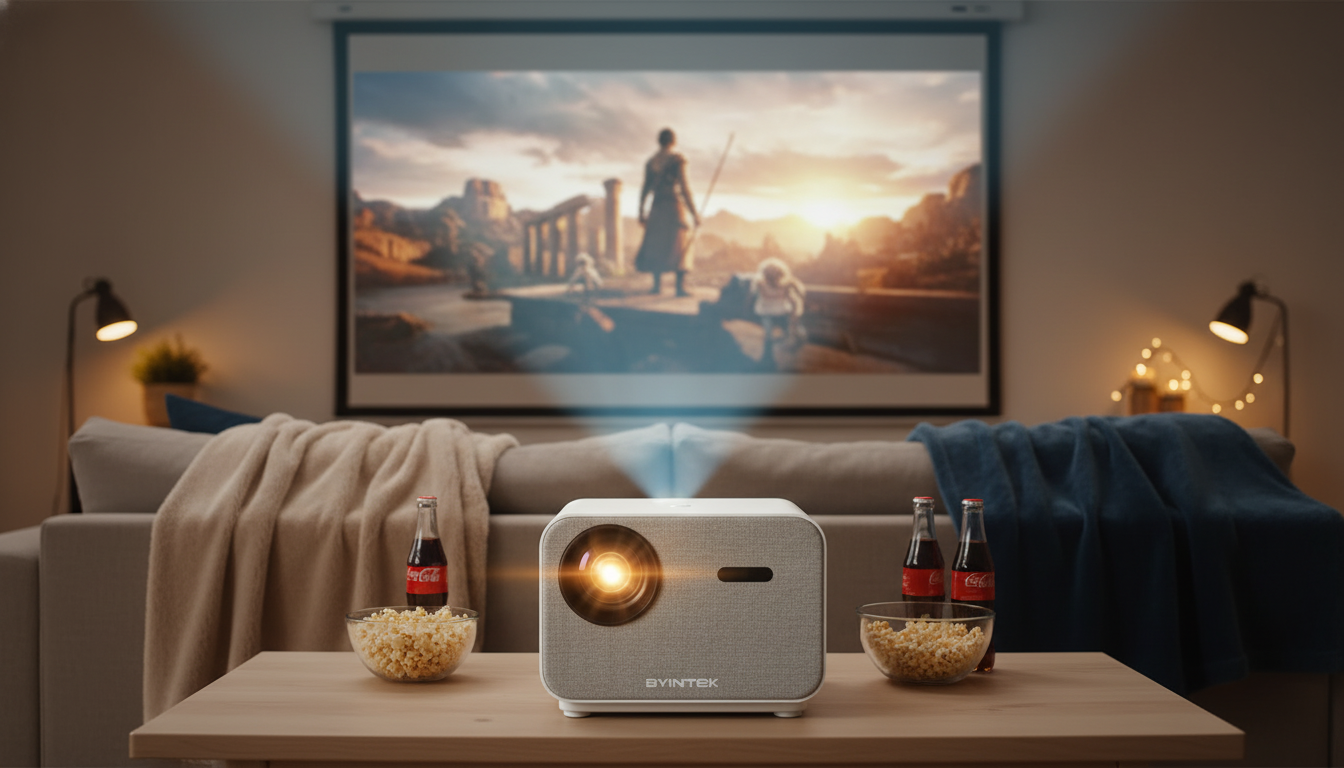
Full HD 1080P Home Theater Projector with 800 ANSI, WiFi6 & Bluetooth 5.2: A Practical Guide for Movies, Sports, and Gaming
A bright Full HD projector with modern wireless features can turn a living room or bedroom into a reliable movie-and-gaming setup. This guide breaks down what 800 ANSI brightness, 1080P resolution, WiFi 6, and Bluetooth 5.2 mean in day-to-day use, plus practical setup tips for cleaner audio and smoother streaming.
What this projector is built for
- Home theater viewing with clear 1080P detail across a wide range of screen sizes, from compact bedroom setups to bigger living room screens.
- Casual sports nights and TV streaming where extra brightness helps preserve contrast when the room isn’t fully dark.
- Big-screen gaming when latency is managed through smart connection choices (often via HDMI from a console or PC).
- Portable room-to-room use where quick wireless pairing reduces cable clutter and setup time.
Key features at a glance
If you’re comparing projectors, these four specs tend to shape the experience the most: resolution (detail), brightness (usable image size under light), Wi‑Fi (streaming stability), and Bluetooth (audio convenience).
| Feature | What it affects | Included |
|---|---|---|
| Full HD 1080P | Clarity for movies, sports, and UI text | Yes |
| 800 ANSI brightness | Visibility with moderate ambient light | Yes |
| WiFi 6 | Wireless streaming stability on modern networks | Yes |
| Bluetooth 5.2 | Wireless audio to speakers/headphones | Yes |
For everyday use, 1080P makes subtitles and streaming interfaces easier to read, while 800 ANSI brightness helps the picture keep its punch when a lamp is on or curtains aren’t fully closed. WiFi 6 can make streaming more resilient on modern networks, and Bluetooth 5.2 is a straightforward way to add better sound without reworking the whole room.
Understanding brightness: what 800 ANSI means in a room
Brightness is one of the most misunderstood projector specs. “ANSI” brightness is measured using a standardized method, so it’s generally more comparable across brands than vague “lux” or “LED lumens” claims. That makes 800 ANSI a meaningful figure when you’re trying to estimate how the projector will look in your space.
- Best environment: dim to moderately lit rooms. You’ll get the most saturated colors and better perceived contrast with some light control.
- Daytime strategy: rather than pushing an oversized image in full daylight, use curtains/shades and consider a slightly smaller image to keep the picture looking richer.
- Screen choice matters: a neutral-white screen is a balanced option; a higher-gain screen can boost perceived brightness but may reduce viewing angles and uniformity from the sides.
- Size vs. brightness: as image size increases, brightness per square foot decreases. Matching screen size to your room lighting usually beats “bigger at any cost.”
Wireless streaming and audio: using WiFi 6 and Bluetooth 5.2 well
Wireless features are most enjoyable when you treat them like part of a system—router placement, network congestion, and audio pairing habits all make a difference.
WiFi 6 tips for smoother playback
- Prefer 5 GHz when available: 5 GHz is often faster and less congested, which can help reduce buffering for high-bitrate video.
- Router matters: WiFi 6 advantages show up most clearly when your router also supports WiFi 6 and many devices share the network. For a concise overview of WiFi 6 efficiency improvements, see the Wi‑Fi Alliance’s Wi‑Fi 6 (802.11ax) resource.
- Placement beats tweaking: keep the router elevated and unobstructed when possible; a couple of feet can make more difference than changing settings.
Bluetooth 5.2 tips for better sound
- Use Bluetooth for convenience: pairing a soundbar or powered speaker is usually the fastest upgrade over built-in audio.
- Plan for possible delay: Bluetooth can introduce mild latency. If your speaker/soundbar supports it, enable AV sync or lip-sync adjustment. For technical background on Bluetooth versions and capabilities, reference the Bluetooth SIG Core Specification listings.
- For “always right” lip-sync: when available, use wired audio from the source device (streaming stick/console) for the most consistent timing.
Setup essentials for a clean, sharp picture
A few setup habits can make a bigger improvement than hours of menu tweaking.
Connectivity and sources: getting the best results
Streaming sticks and TV boxes
Consoles and PCs
For gaming and stable video, HDMI is typically the simplest path. Use a quality HDMI cable and set the output to 1080P for clean scaling and predictable performance. For deeper context on HDMI capabilities and versions, the HDMI Licensing Administrator’s specification overview is a helpful reference.
External audio upgrades
Network reliability checklist
Recommended in-stock picks for your setup
-
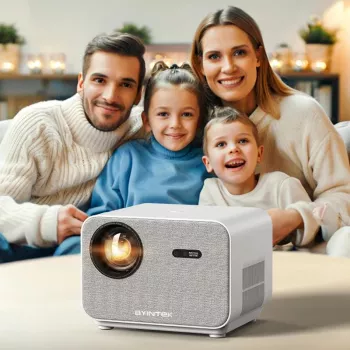
Full HD 1080P Home Theater Projector with 800 ANSI, WiFi6 & Bluetooth 5.2
— $732.01
(In stock) -
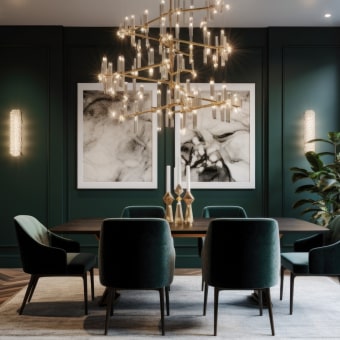
Luxury Modern Crystal Chandelier for Living Room, Dining Room & Bedroom
— $331.67
(In stock)
Who it suits (and who should look elsewhere)
FAQ
Is 800 ANSI bright enough for daytime viewing?
It performs best in dim to moderately lit rooms. For daytime, add curtains or shades, consider a slightly smaller image size, and choose a screen material that supports better perceived contrast.
Does Bluetooth 5.2 cause audio delay?
Bluetooth can introduce a small amount of latency, which may show up as lip-sync mismatch. If your speaker or source device offers AV sync adjustment, enable it; for the most consistent lip-sync, use wired audio from the source when possible.
What’s the advantage of WiFi 6 on a projector?
On a compatible WiFi 6 router, it can improve efficiency and stability—especially on crowded home networks with many devices. The benefit still depends on signal strength and network conditions, so good router placement remains important.













Leave a comment